Visibility of real attacks
Observe automated recon, credential spraying, and API abuse as it happens - against endpoints attackers believe are real.
API Deception Platform · Self-Hosted
NoctisAPI deploys honeypot API endpoints that capture attacker activity, fingerprint threat actors, and generate actionable telemetry - fully self-hosted on your own infrastructure.
Built for security teams, researchers, and corporate environments.
Product definition
// What it IS
// What it is NOT
Value
Observe automated recon, credential spraying, and API abuse as it happens - against endpoints attackers believe are real.
Collect attacker tools, techniques, and reconnaissance patterns. Build actor profiles from real hostile sessions.
Generate structured event data ready for SIEM ingestion, threat intelligence workflows, and security research.
Run entirely on infrastructure you control. No data leaves your environment. Suitable for regulated and corporate contexts.
Architecture
Internet / Attackers
Automated tools · Scanners · Threat actorsDedicated Domain
api.yourdomain.com · DNS pointing to your deploymentProxy / CDN Layer
Cloudflare (proxied or DNS-only) · F5 · Nginx · Reverse proxyHoneypot Engine
Decoy endpoints · Capture engine · Actor fingerprinting · Event pipelineUI · Storage · Licensing
Management dashboard · Event storage · JWT license validationUse cases
Publish decoy API endpoints on a dedicated domain and capture real hostile traffic without exposing production systems.
Study real threat actor behaviour, tooling, and reconnaissance patterns against realistic API surfaces.
Validate and tune SIEM detections and alerting rules using real attacker-generated events from controlled honeypots.
Deploy in isolated lab environments to train SOC analysts against realistic attack scenarios and telemetry.
Deploy internally and publish through F5 BIG-IP, Nginx, or any reverse proxy. Suitable for regulated corporate environments.
Generate structured IOC and TTP data from real attack sessions to feed threat intelligence programs.
Editions
Core
Free
No license required. Deploy and start capturing attacker signals immediately.
Pro
Pro is not on public sale yet. Register interest to be notified when licenses are available.
Deployment
Deploy on any public VPS with Docker. Point a dedicated domain at the server IP. Suitable for internet-facing honeypot research.
Run on an internal machine and publish through F5 BIG-IP, Nginx, or any reverse proxy. Recommended for corporate environments.
Compatible with Cloudflare in both proxied mode and DNS-only mode. Use proxied for DDoS protection or DNS-only for direct exposure.
Deploy via Docker container. All components - API engine, UI, and storage - run in a single controlled environment.
The service is typically deployed on a dedicated domain used exclusively for honeypot endpoints. This domain should not share DNS with production services.
Interface
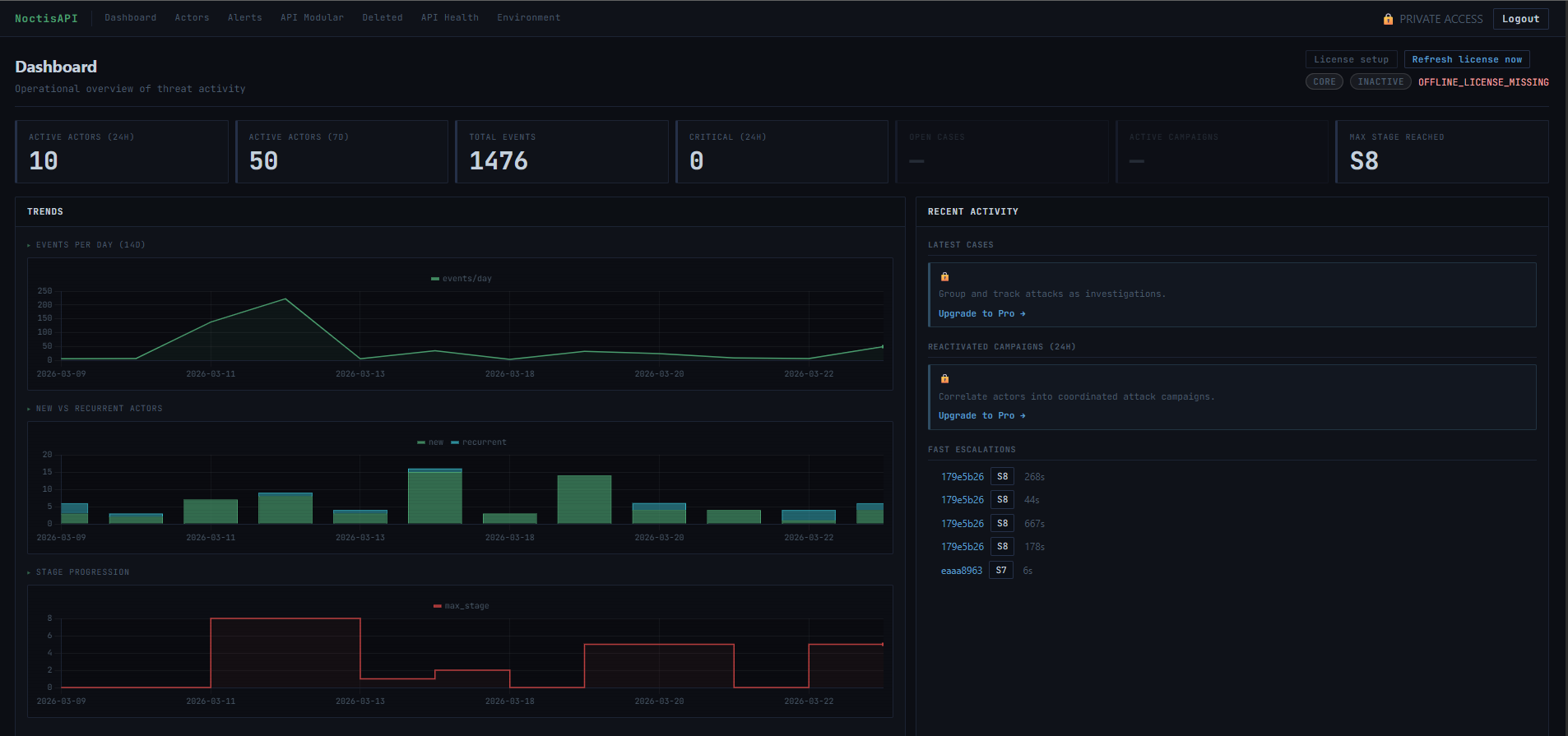
// KPI counters · Activity timeline · Live actor feed · Risk heatmap
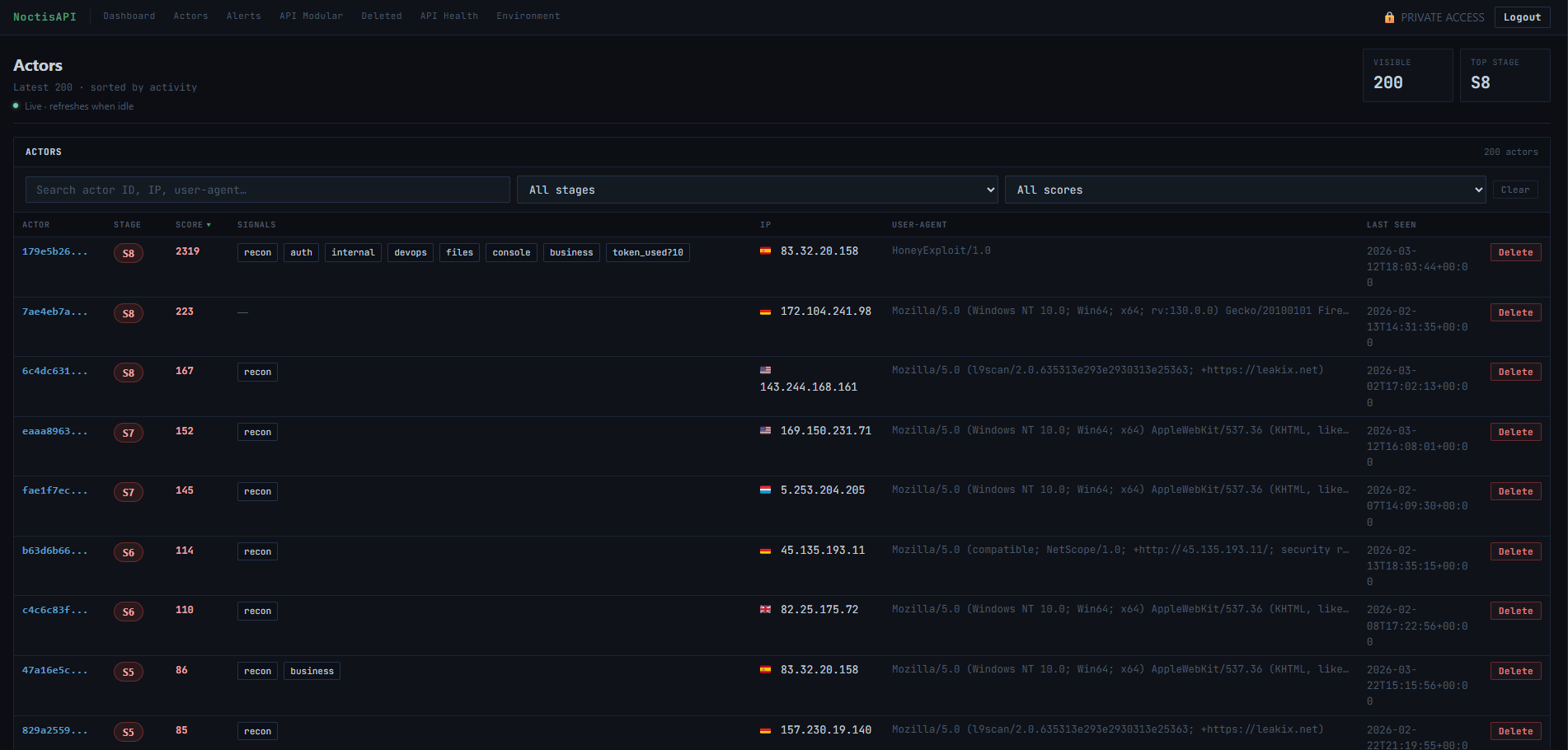
// Real-time actor list · Stage badges · Source IPs · Behavior signals
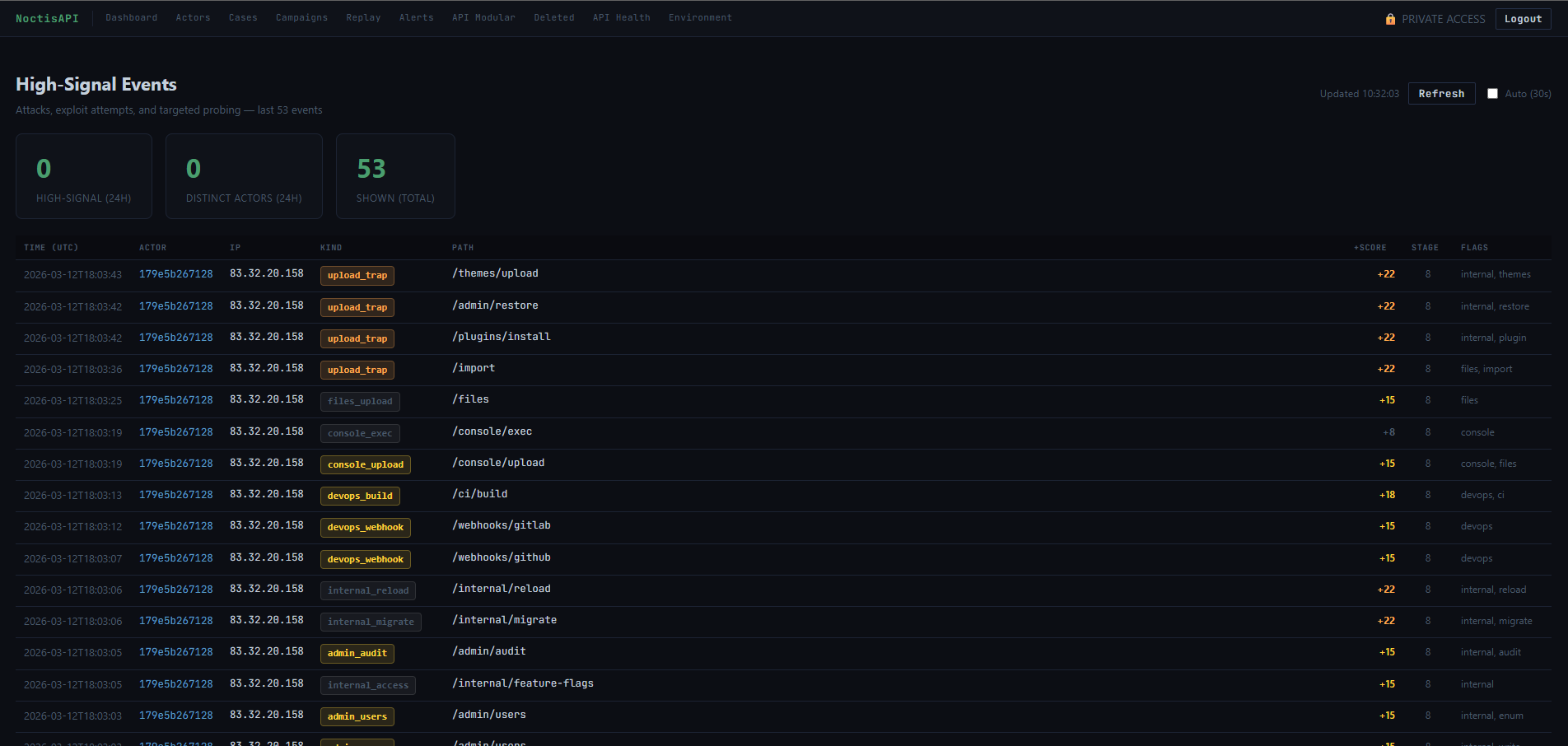
// Severity-ranked alert feed · Credential abuse · Scanner detection
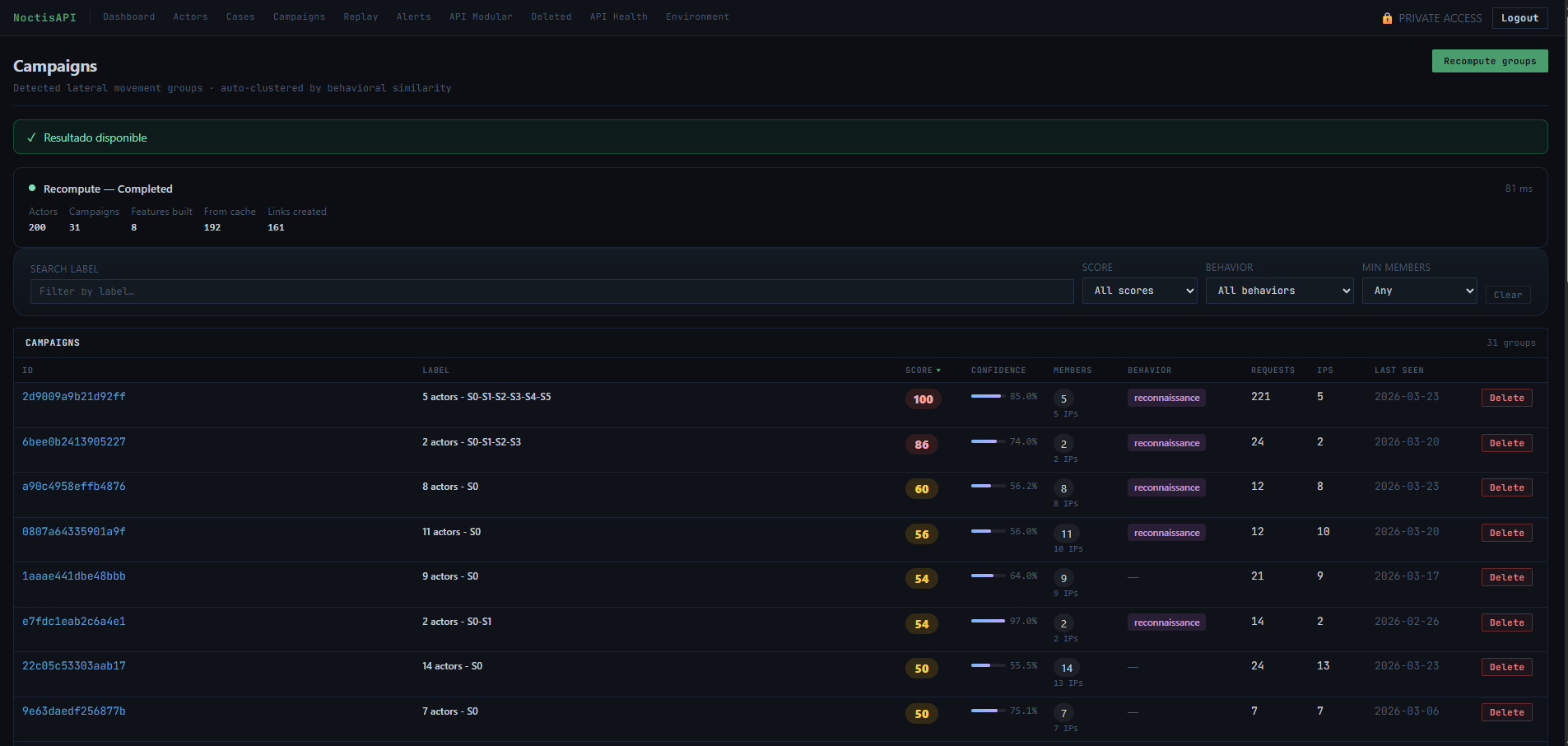
// Campaign clustering · Actor grouping · Hit counts · Stage flow
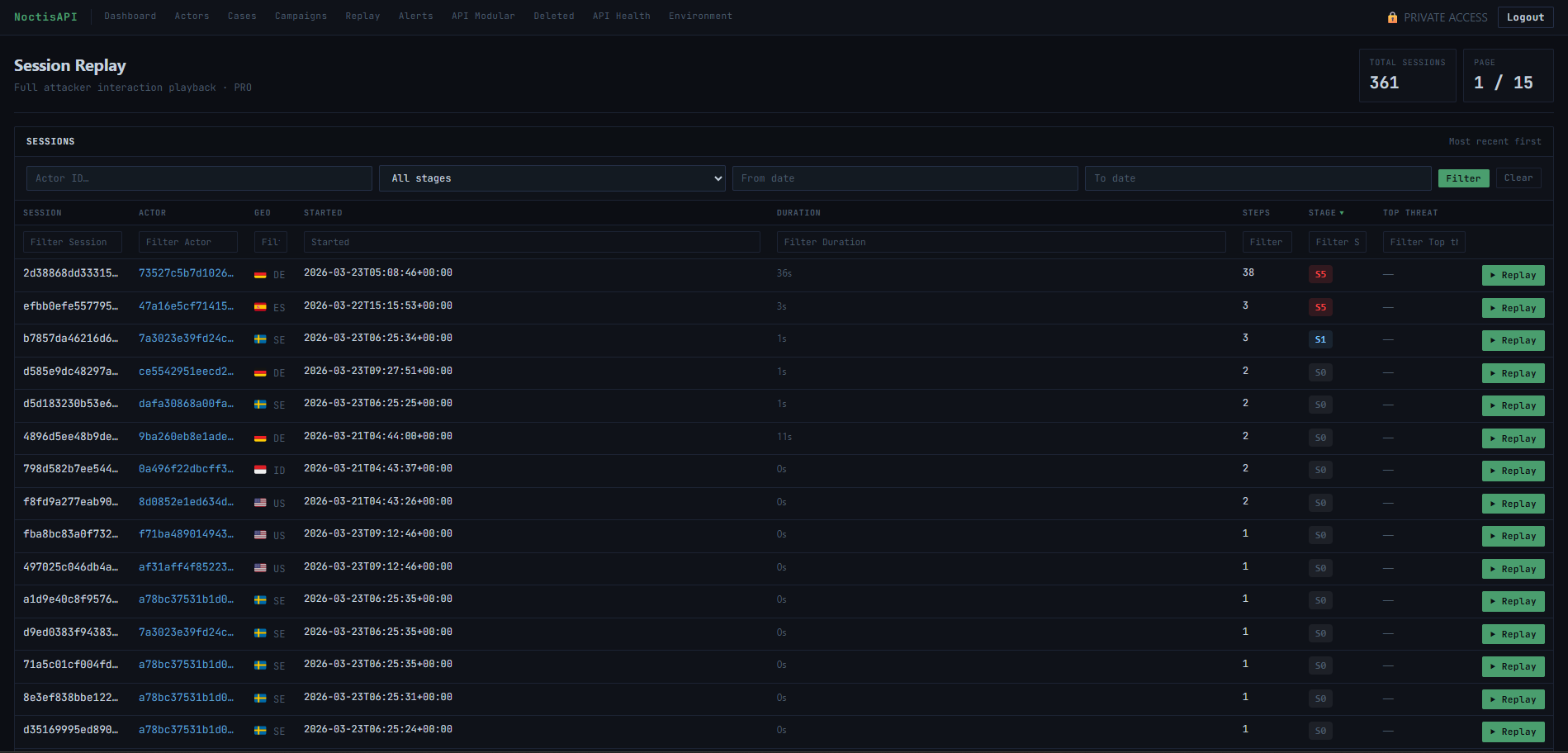
// Full session list · Attacker timing · Request volume · Pagination
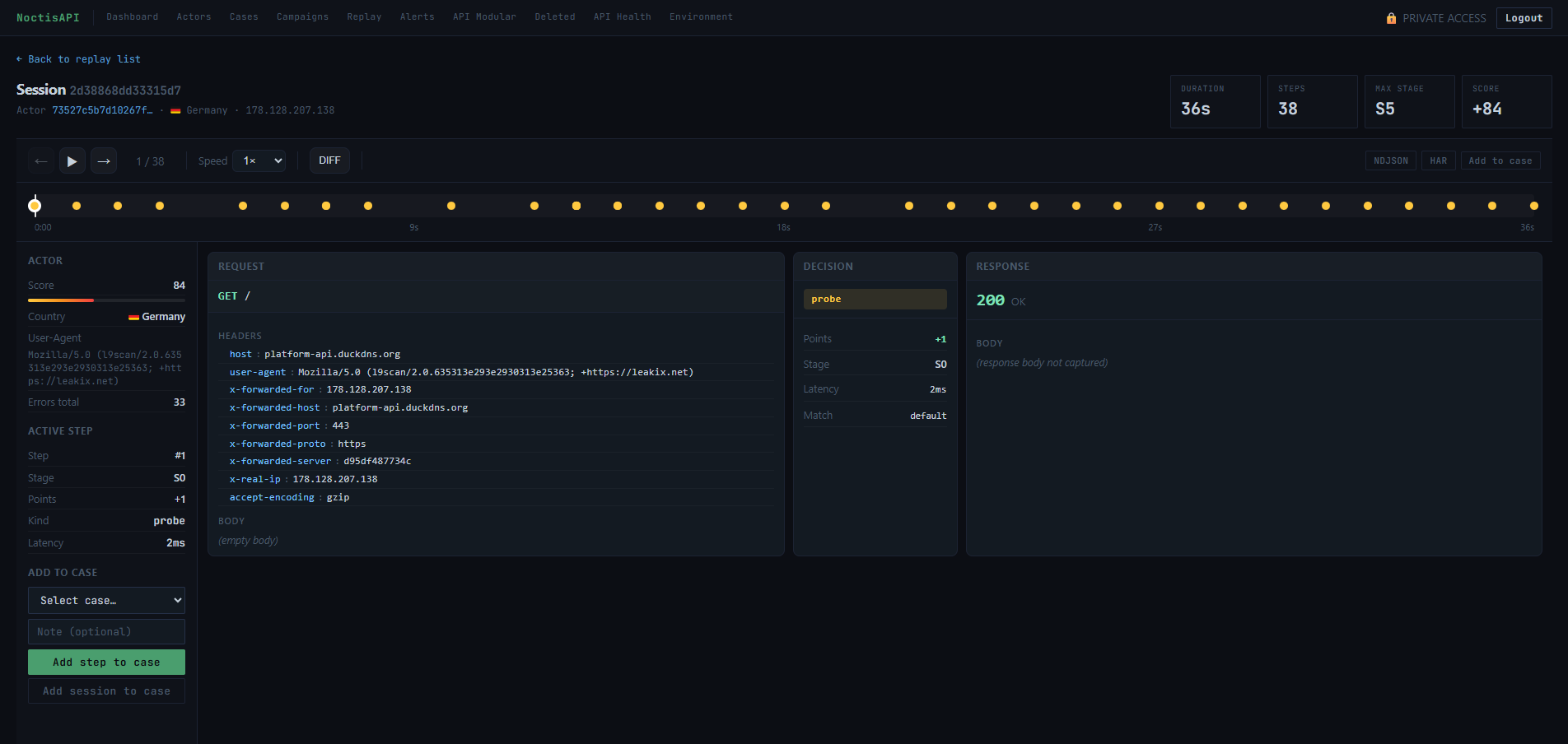
// Request timeline · Headers · Payload · Response inspection
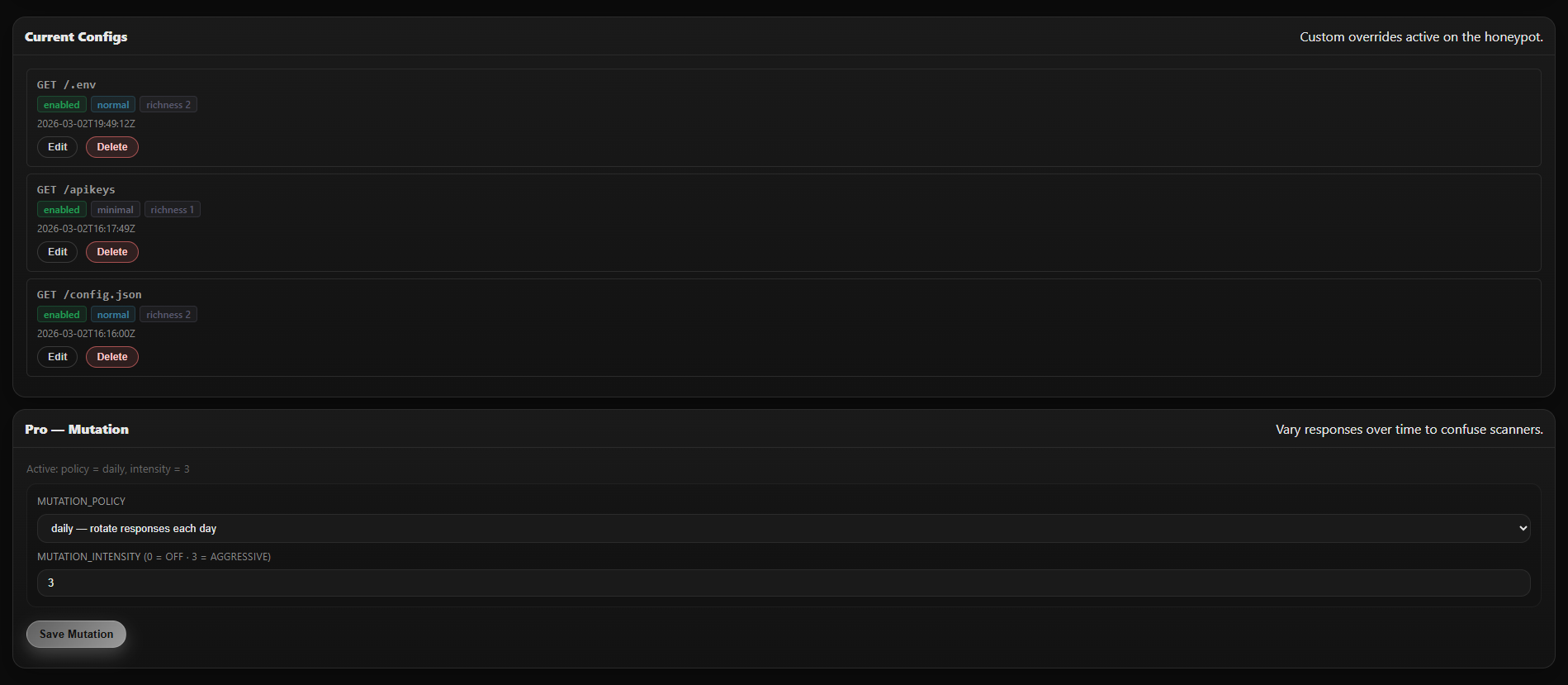
// Templates · Extensions · Endpoint toggles · Pro mutation controls
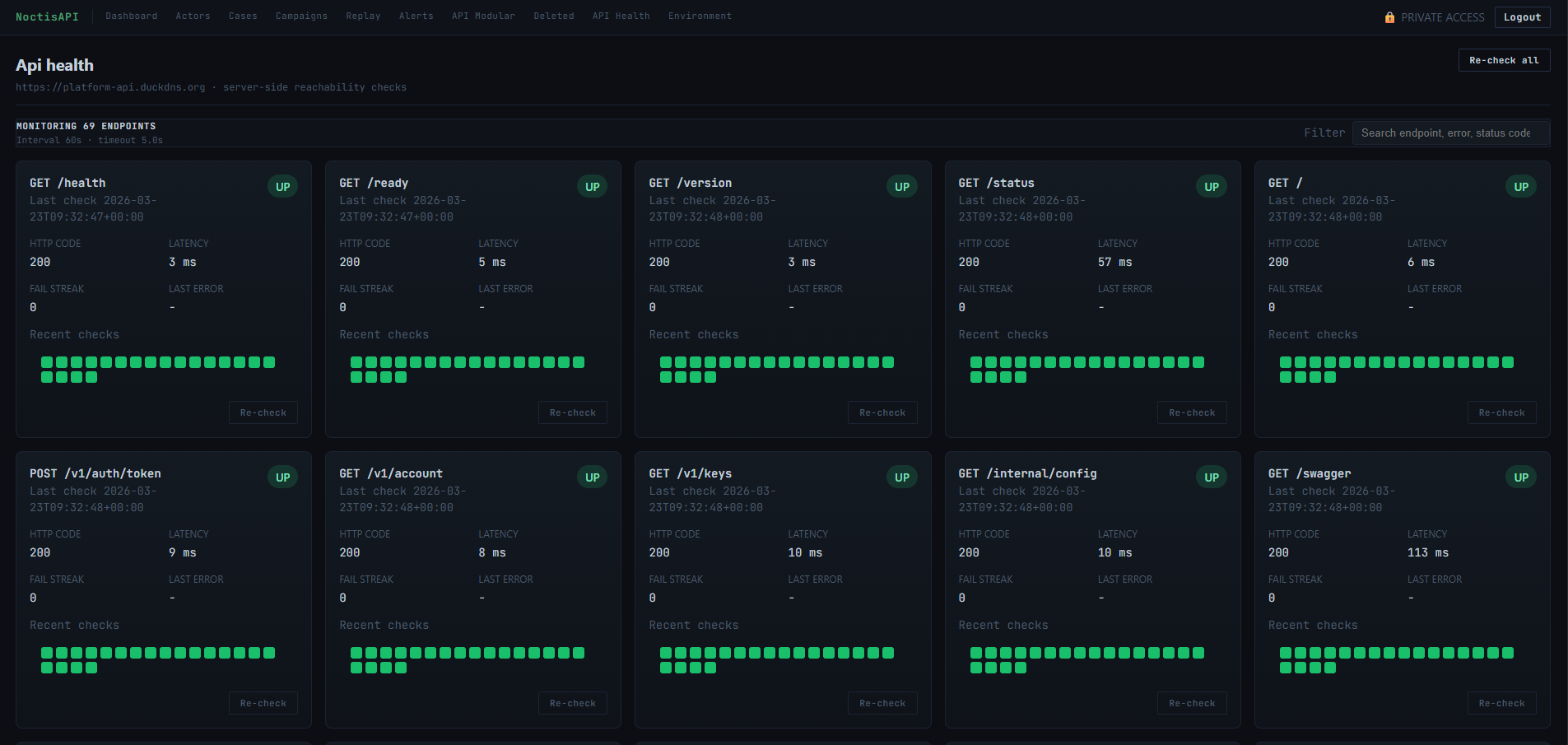
// Endpoint status grid · Latency tracking · Uptime monitoring
Quickstart
Resources
FAQ
Core is free and requires no license. It includes the public honeypot API, actor scoring, basic session views, API Modular configuration, and API Health monitoring. Pro adds Cases, Campaigns, Session Replay, API mutation, advanced scoring, analytics, file pipeline, log export, and webhook endpoint packs.
Yes. NoctisAPI runs entirely on infrastructure you control. Your captured event data and telemetry stay on your infrastructure. All event capture, storage, and the management panel operate locally.
Yes. NoctisAPI works behind any reverse proxy or CDN, both in proxied mode and DNS-only mode. It is compatible with standard corporate network architectures.
Yes. Inbound internet access is required so that attackers and scanners can reach the honeypot endpoints through your dedicated domain. Outbound internet access is recommended for image pulls, GeoIP updates, and license or status refresh tasks depending on your deployment mode.
Pro uses a cryptographically signed license plus customer-only install assets. After purchase you receive the install details needed to pull the Pro image and provision the licensed deployment.
If a Pro license is suspended or revoked, the application falls back to Core functionality at the next validation cycle. You retain full access to Core features indefinitely.
NoctisAPI is designed for low resource consumption. A small VPS with 1-2 vCPU and 1-2 GB RAM is usually enough for evaluation and small deployments, although sizing depends on traffic volume and enabled features. A dedicated domain, Docker, and inbound 80/443 are required.
Yes, as long as telemetry is collected on assets you own or are authorised to monitor, and local regulations are respected. NoctisAPI is designed for authorised defensive use only.
Early access
Deploy Core for free, or register interest in Pro while licensing is being prepared for public availability.
Core
Free
Deploy immediately. No license required. Ideal to start observing real attacker signals against your decoy endpoints.
Pro
Advanced workflows for Cases, Campaigns, Session Replay, API mutation, advanced scoring, analytics, file pipeline, log export, and webhook endpoint packs.
Get started
Start with Core for free or join the Pro interest list for advanced investigation and export capabilities.
// Pro Interest
Private beta access request
No payment will be collected. This static page opens your email client with the details prefilled.